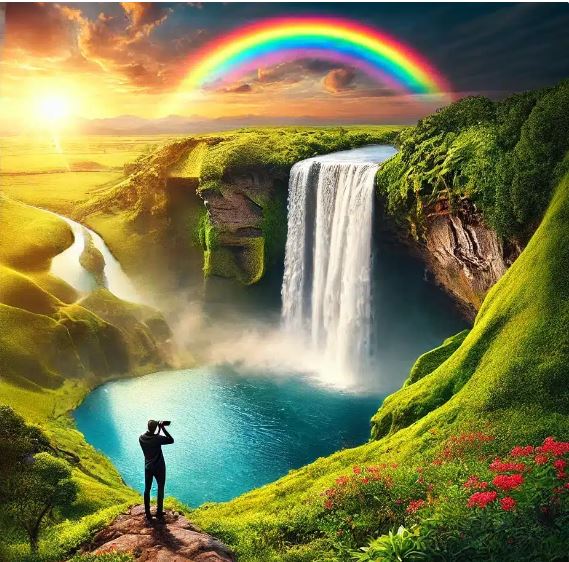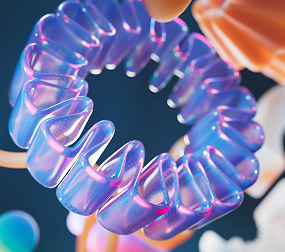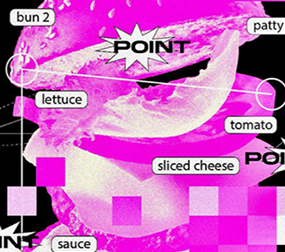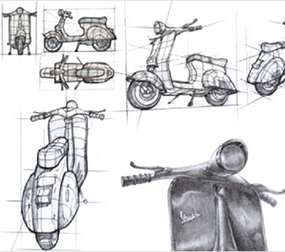




Quickly explore and experiment with ideas. Use Generative Fill to create dozens of high-quality concepts quickly. And create variations of your favourite generated images with Generate Similar.
Plus, use Reference Image in the Photoshop (beta) app to visually guide your results by uploading an image to go with your prompt — perfect for hard-to-describe details.
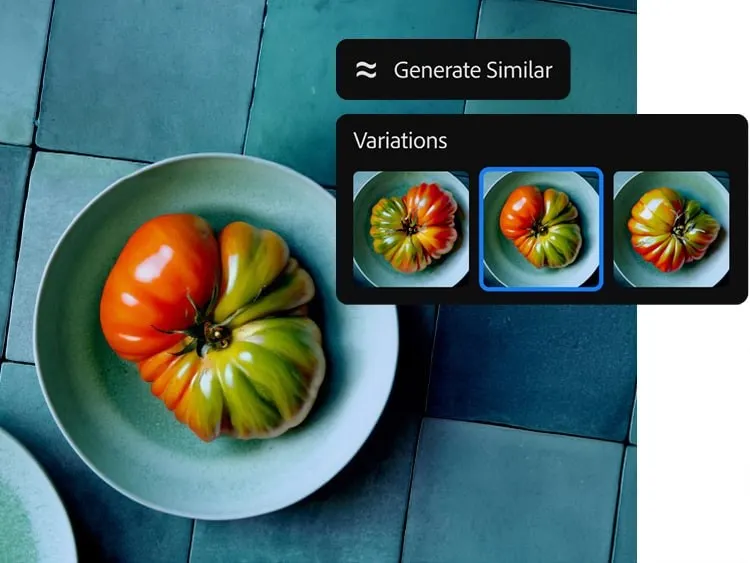
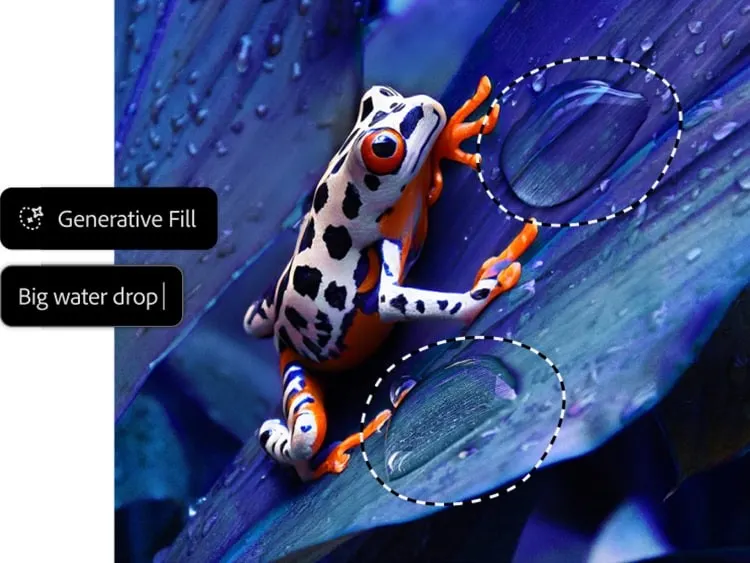
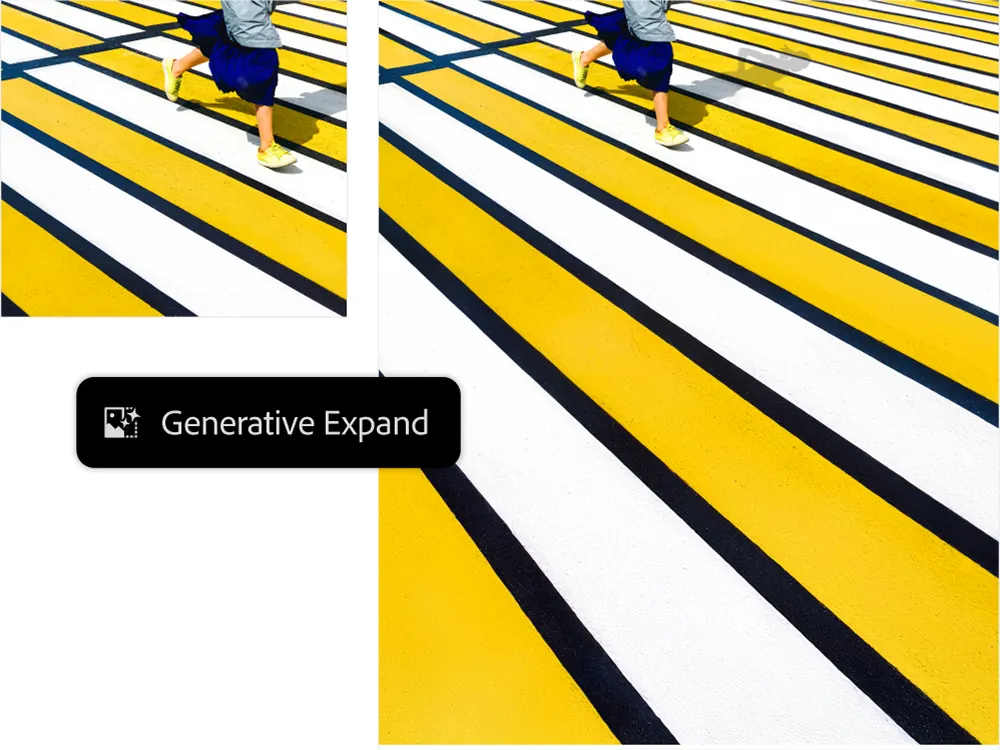
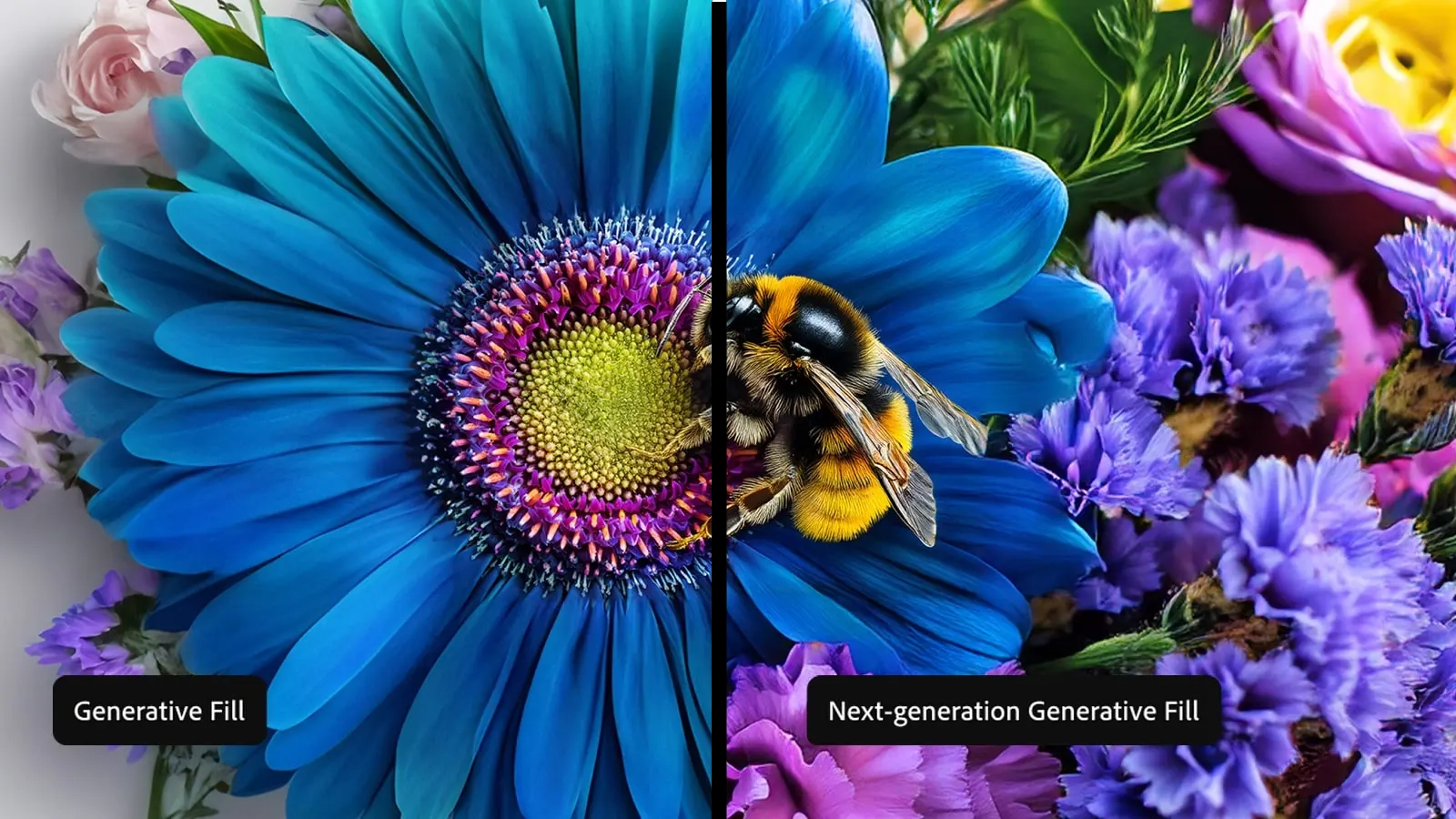
Create richer, more photorealistic images with the most advanced Generative Fill yet, now with the power of the latest Adobe Firefly Image Model. Use a simple description to easily add and remove content from your images. Generate more life-like results, get more detail and sharpness and use Generate Similar to create variations of your favourite outputs. Plus, extend your canvas with Generative Expand. Just click and drag beyond the borders of an image with the Crop tool and then fill the extended canvas with new content that blends with the existing image